


Views: 104 Author: Site Editor Publish Time: 2026-08-18 Origin: Site


LCD color gamut describes the range of colors a TFT display can reproduce. It is an optical performance parameter, not simply a count of how many digital colors the controller can send.
That distinction matters in industrial display projects. A panel may support 16.7 million color values while still covering only a moderate color gamut. Another panel may reproduce a wider range of saturated colors but require better calibration, a different backlight, or more careful system integration.
This guide explains NTSC, sRGB, and Adobe RGB in practical terms and shows how gamut relates to color depth, IPS/TN panel mode, brightness, contrast, backlight spectrum, calibration, and OEM display selection.
Simple HMI: standard-gamut panels are usually adequate for text, icons, gauges, and machine-status graphics.
Camera or image-rich UI: stronger sRGB or NTSC coverage becomes more valuable.
Medical or color-sensitive equipment: gamut should be evaluated together with color accuracy, grayscale behavior, uniformity, viewing angle, and calibration.
Do not use gamut alone: a wider gamut does not automatically mean a better industrial LCD if the panel has the wrong interface, brightness, temperature range, resolution, or lifecycle.
Color gamut defines the boundary of colors a display can physically reproduce. In a TFT LCD, that boundary is mainly influenced by:
The spectral output of the LED backlight
Red, green, and blue color-filter characteristics
Liquid crystal transmission
Polarizers and optical films
Panel mode and viewing behavior
A wider gamut allows the screen to reproduce more saturated reds, greens, blues, and intermediate colors. However, wider gamut is only useful when the source content, graphics pipeline, and application actually need those colors.
Toroson model TI035AI310 provides a useful real-world example. This 3.5-inch TFT LCD is specified with 320×240 resolution, a 54-pin TTL RGB interface, 350 cd/m² brightness, 16.7M colors, RGB vertical stripe arrangement, and 60% NTSC.
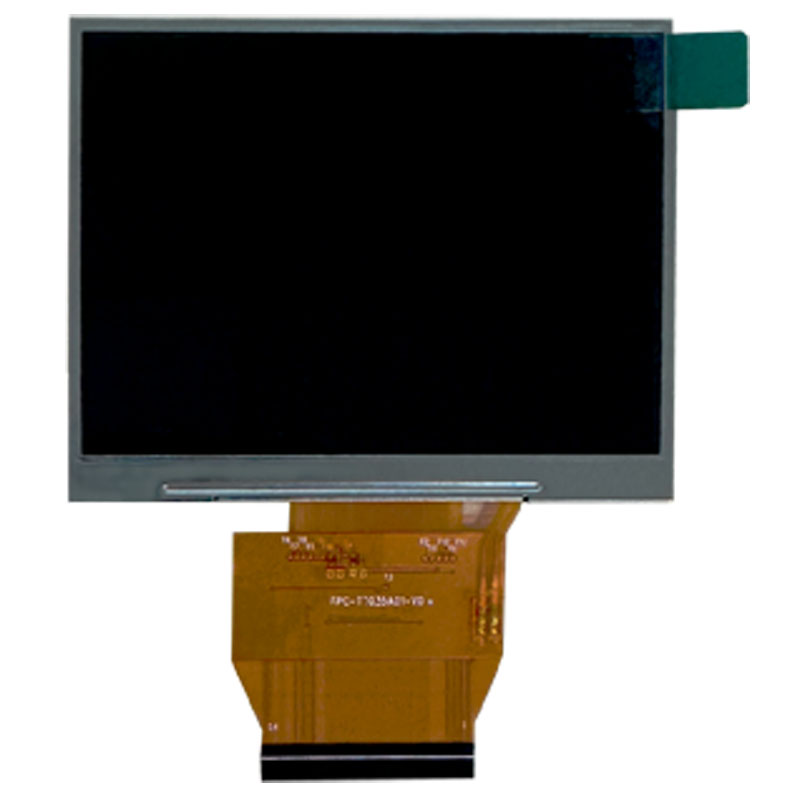
TI035AI310: 3.5-inch RGB TFT LCD with 60% NTSC and 16.7M color specification.
A 60% NTSC panel can be entirely suitable for industrial meters, embedded control panels, portable instruments, and machine HMIs because these applications prioritize legibility, interface compatibility, temperature performance, cost, and long-term reliability over extremely saturated colors.
Procurement point: “higher gamut” should not become an automatic purchasing target. The correct gamut is the one that supports the visual task without creating unnecessary cost, power, or supply constraints.
Color Space | Where You Commonly See It | Industrial Relevance |
|---|---|---|
NTSC | LCD panel specifications and optical comparison | Common reference for panel gamut coverage |
sRGB | Digital images, PCs, web content, Android/Linux graphics | Useful for cameras, HMIs, PCs and image-based systems |
Adobe RGB | Professional photography, design and print workflows | Usually relevant only to specialized color-critical equipment |
The percentages cannot be compared directly unless the same reference color space is used. For example, “72% NTSC” and “100% sRGB” are not percentages on the same scale.
This is one of the most common specification mistakes.
Color gamut tells you how wide a range of colors the panel can reproduce.
Color depth tells you how many digital levels are available within that range.
Specification | Engineering Question |
|---|---|
Color Gamut | How saturated a red, green, or blue can the display reproduce? |
Color Depth | How many intermediate digital color levels can the system represent? |
A 16.7M-color display is therefore not automatically a wide-gamut display.
For the digital color side of the selection process, read TFT LCD Color Depth Explained: RGB565 vs RGB666 vs RGB888.
Two panels may both list 16.7M Colors but still look noticeably different.
Possible reasons include:
Different LED backlight spectra
Different RGB color filters
6-bit + FRC versus native 8-bit operation
Different gamma curves
Different contrast ratios
Different panel modes
Different controller settings
Different color calibration
This is why the color-count specification should never be used as a shortcut for evaluating overall color quality.
IPS is often associated with better color performance, but IPS itself does not define the gamut.
IPS mainly improves viewing-angle stability. A well-designed IPS panel can maintain color and contrast more consistently when the user moves away from the front viewing position.
The actual gamut still depends largely on the backlight spectrum and RGB color filters.
Toroson VI121VI500 is a 12.1-inch 1024×768 IPS TFT LCD with a 20-pin LVDS interface. The current product specification lists 500 cd/m² brightness, a typical 1000:1 contrast ratio, 80/80/80/80 viewing characteristics, and 256K/16.7M color support.
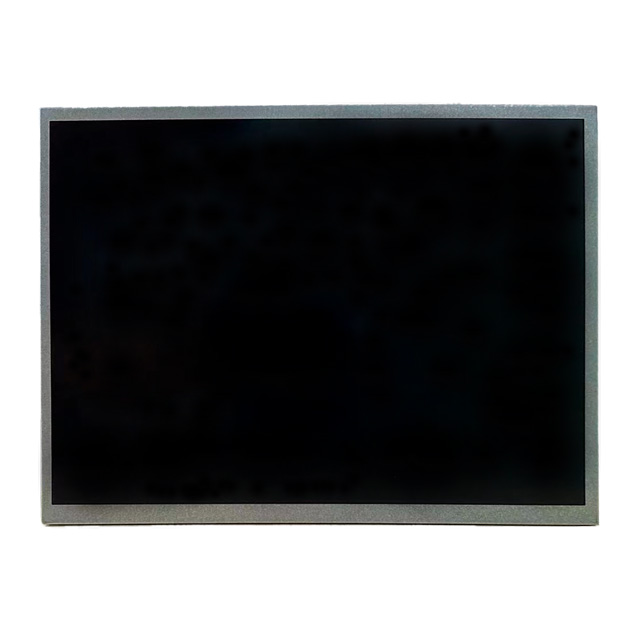
VI121VI500: an IPS industrial LCD where color, contrast, viewing angle and LVDS integration must be evaluated together.
For a broader panel-mode comparison, read IPS vs TN Panel: Industrial LCD Selection Guide.
Even when two displays have similar front-view gamut, the color seen by the operator may change at an angle.
This matters for:
Shared industrial control panels
Medical carts viewed by several people
Vehicle center displays
Kiosks mounted below eye level
Portrait-mode control terminals
IPS generally offers stronger off-axis consistency, while TN requires more attention to mounting direction and gray-inversion behavior.
The Innolux NJ101IA-01S provides another useful example. It is a 10.1-inch IPS TFT LCD with 1280×800 resolution, a 40-pin LVDS interface, wide viewing behavior, and high-brightness positioning for industrial applications.
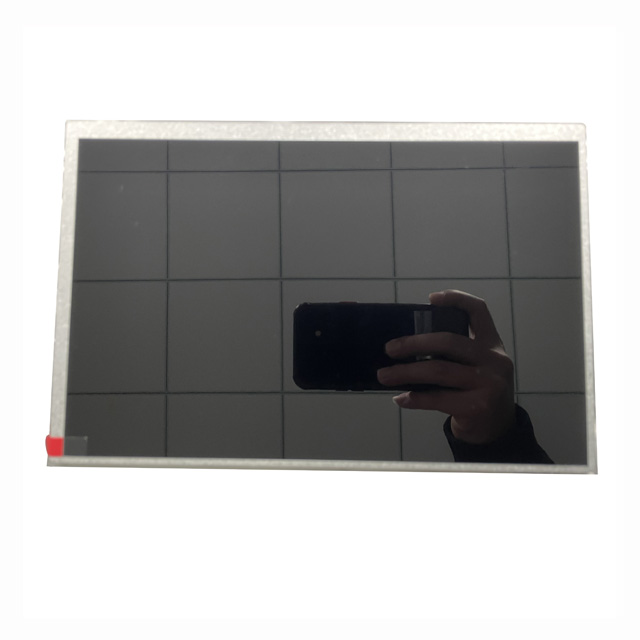
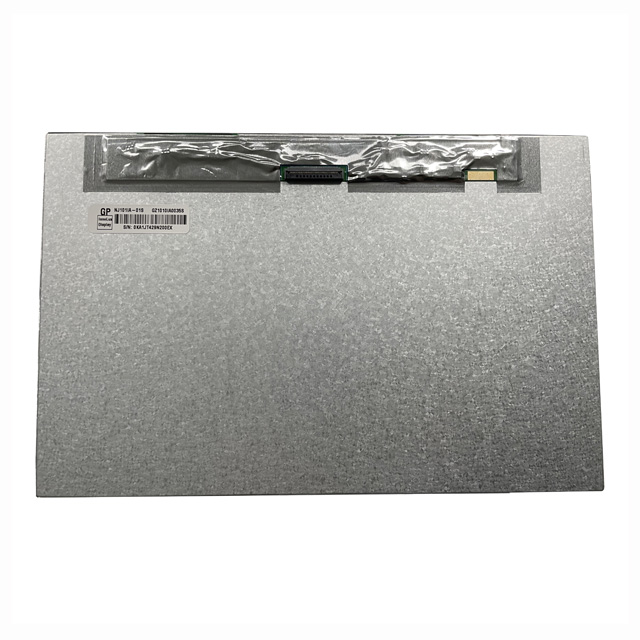
NJ101IA-01S front and rear views: optical performance must still be matched with LVDS mapping, controller output and the final application.
Brightness improves visibility. IPS improves viewing stability. Neither parameter alone tells you the color-gamut coverage.
The backlight does more than illuminate the LCD.
Its spectral output determines which wavelengths are available for the RGB filters. Standard white LEDs are often optimized for efficiency, cost, lifetime, and brightness. Wider-gamut systems may use different phosphor formulations or LED technologies to improve color saturation.
That creates a tradeoff between:
Color gamut
Brightness
Power consumption
Thermal load
Backlight lifetime
Cost
Brightness and gamut are separate.
A 1000-nit LCD is not automatically wider gamut than a 350-nit LCD. A stronger backlight increases luminance, but gamut depends on the spectral shape of that light and how the color filters transmit it.
For outdoor equipment, brightness may be more important than gamut because the primary requirement is maintaining readability under strong ambient light.
Contrast ratio defines the separation between bright and dark states. Gamut defines the range of reproducible colors.
They influence different aspects of perceived image quality:
Higher contrast can improve black depth and text separation.
Wider gamut can improve color saturation.
Neither automatically guarantees accurate color.
A wide gamut means the display can reproduce a larger range of colors. It does not mean those colors are reproduced accurately.
Color accuracy depends on:
White-point calibration
Gamma
RGB channel balance
Controller processing
Panel uniformity
Temperature
Backlight aging
A calibrated standard-gamut display can be more useful than an uncalibrated wide-gamut display when the application requires repeatable color rather than maximum saturation.
Application | Gamut Priority | Other Critical Factors |
|---|---|---|
Basic machine HMI | Low to moderate | Interface, temperature, readability, cost |
Camera inspection system | Moderate to high | Color accuracy, controller pipeline, response time |
Medical interface | Application dependent | Grayscale, uniformity, calibration, stability |
Automotive infotainment | Moderate to high | Brightness, viewing angle, temperature, day/night mode |
Professional imaging | High | sRGB/Adobe RGB target, calibration, uniformity |
Even a good panel can show poor color if the graphics path is configured incorrectly.
Check:
RGB565 / RGB666 / RGB888 source format
6-bit or 8-bit LVDS mapping
JEIDA/VESA mapping where applicable
Gamma processing
Color matrix settings
Output range and white point
For controller-side integration, read Industrial LCD Controller Boards: HDMI to LVDS Selection.
Color count and gamut are different specifications.
The reference spaces are different, so compare like with like.
IPS helps viewing consistency but does not define backlight spectrum or gamut.
A wider gamut can still produce inaccurate color when gamma, white point, or RGB balance is wrong.
A basic HMI may gain little from a premium wide-gamut backlight.
Strong reflections and poor optical integration can wash out colors regardless of laboratory gamut.
Required screen size and resolution
NTSC or sRGB target
Required gamut coverage percentage
Color depth: RGB565, RGB666, RGB888, 6-bit, 8-bit or 6-bit + FRC
Panel mode: TN or IPS
Brightness requirement
Viewing-angle requirement
Interface: RGB, LVDS, MIPI DSI or eDP
Controller platform
Calibration requirement
Operating-temperature range
Touch and cover-glass structure
Optical bonding / AG / AR requirement
Prototype and annual volume
It is the range of colors a display can physically reproduce within a defined reference space such as NTSC or sRGB.
It can be. For text, gauges, icons and control graphics, interface reliability, contrast, viewing angle and environmental performance may be more important than wider gamut.
No. 16.7M describes digital color levels. Gamut describes the physical range of reproducible colors.
Not automatically. IPS usually improves off-axis color stability, while gamut depends strongly on backlight and color-filter design.
Those percentages use different reference spaces and should not be treated as directly equivalent figures.
No. Brightness increases luminance. Gamut is primarily related to the backlight spectrum and color-filter characteristics.
They may differ in gamut, backlight spectrum, gamma, FRC, panel mode, contrast, controller settings and calibration.
It becomes more valuable for cameras, medical visualization, automotive infotainment, image inspection and other image-rich systems.
The panel's measured gamut specification may be based on the front view, while the perceived color can shift at different viewing angles depending on panel technology.
Provide size, resolution, target NTSC or sRGB coverage, color depth, panel mode, brightness, interface, controller, temperature range, touch requirement and expected quantity.
LCD color gamut should be selected according to the visual task rather than by automatically choosing the largest percentage.
For basic industrial HMIs, standard gamut can be completely appropriate. For camera systems, medical interfaces, automotive displays and professional imaging, wider gamut and stronger color consistency may justify additional cost.
Before approving a TFT LCD, compare gamut with color depth, viewing angle, contrast, brightness, backlight spectrum, calibration, interface, controller output, temperature range and long-term supply.
Send the display size, resolution, NTSC or sRGB target, brightness, panel mode, interface, controller platform, operating environment, touch requirement and expected quantity. Toroson can help compare industrial TFT LCD options for your OEM project.


